





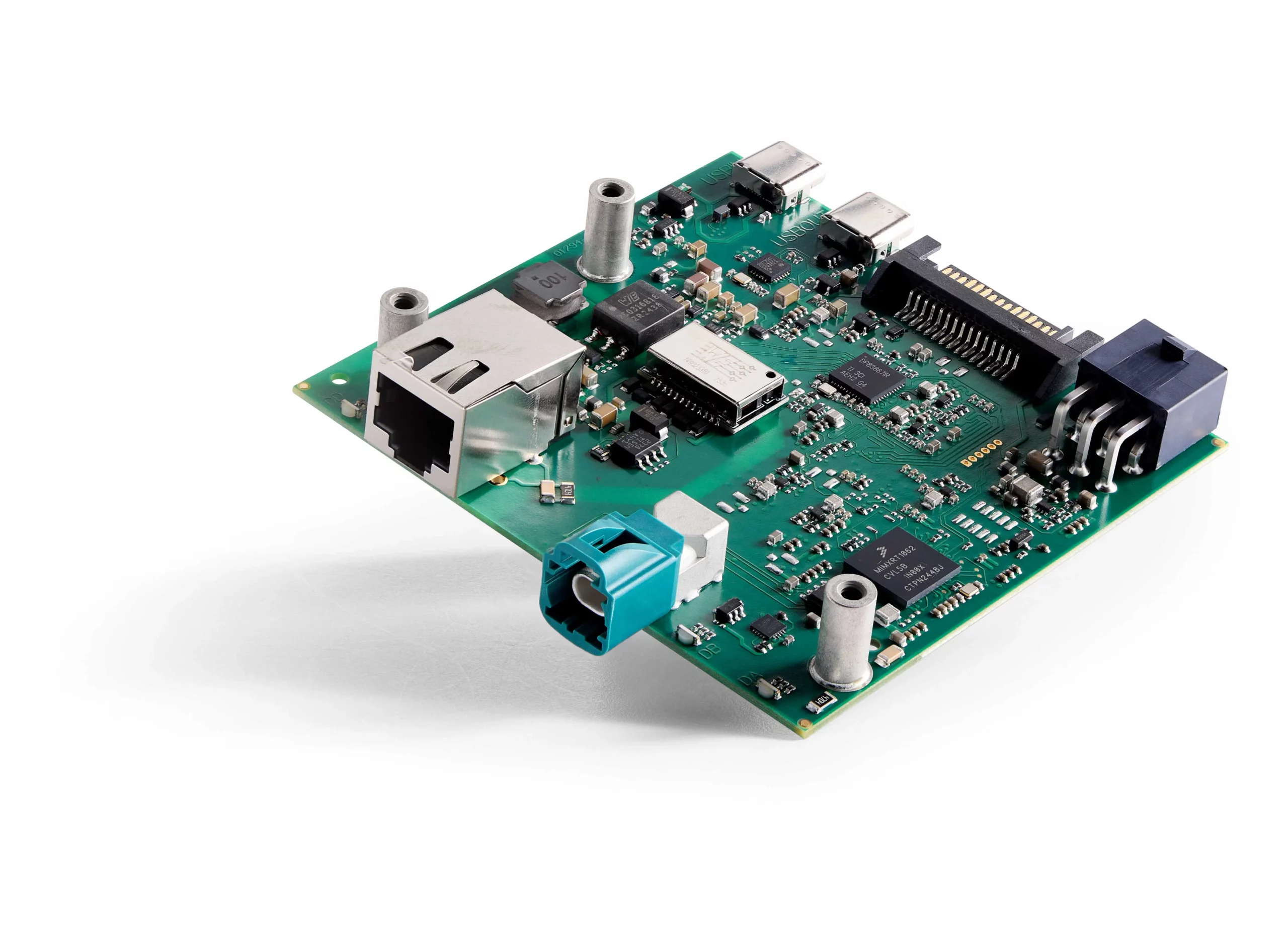
Get a hands-on introduction to Kvaser Arcus and the Kvaser CL Configuration Tool 1.0 in our new video demonstration.
Kvaser’s Field Application Engineer, Sebastian Tellwe, shows how to connect and configure Kvaser Arcus devices, establish a 100/1000BASE-T1 Automotive Ethernet link, and use leader and follower settings. The video also demonstrates TC10 sleep and wake-up, and shows how the software interface and device LEDs help you identify the current link state.

 linkedin
 twitter
 youtube
 youku
youku weixin
 1...2...3...