





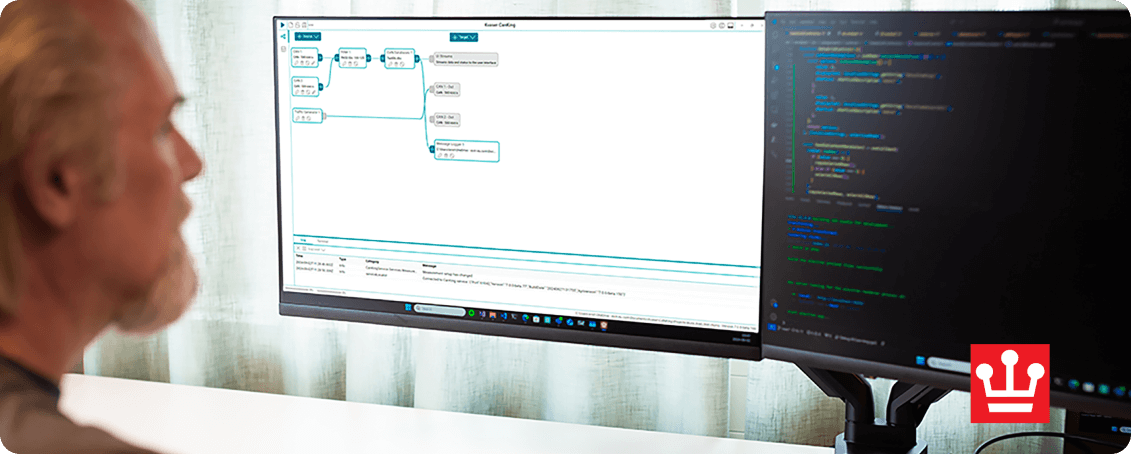
CanKing 7
CanKing 7 is a free, general-purpose CAN and LIN bus analysis software that is compatible with all Kvaser CAN interfaces, Kvaser LIN interfaces, Kvaser Hybrid CAN/LIN interfaces, and the Kvaser virtual CAN bus. With an intuitive graphical measurement window, users can easily set up filtering, traffic generation, and logging with triggers on received messages or specific values. Available on Windows (x64) and Linux (x64 and ARM). The functionality of CanKing 7 can also be expanded through CanKing extensions.
CanKing
Kvaser CanKing 7 for Windows x86-64
CanKing 7 is Kvaser's free, general-purpose CAN and LIN bus analysis software that is compatible with all Kvaser CAN and LIN interfaces.
7.5.0
CanKing
Kvaser CanKing 7 for Linux amd64
CanKing 7 is Kvaser's free, general-purpose CAN and LIN bus analysis software that is compatible with all Kvaser CAN and LIN interfaces.
7.5.0
CanKing
Kvaser CanKing 7 for Linux arm64
CanKing 7 is Kvaser's free, general-purpose CAN and LIN bus analysis software that is compatible with all Kvaser CAN and LIN interfaces.
7.5.0
Signal Plot Extension for CanKing 7
The Signal Plot Extension is a customized workspace pane for visualizing CAN and LIN signals in real-time. It provides powerful graphing capabilities with support for multiple graphs, customizable axes, time cursors, and zoom controls. Requires CanKing >= 7.4.0.
1.1.0
Latest News About CanKing 7
The new CanKing 7.5 release introduces powerful protocol-aware capabilities, including J1939 and ISO TP Annotators – downloadable, free-of-charge service extensions that automatically decode multi-packet traffic and enrich the Message Trace with contextual insights for faster and more efficient analysis.
New functionality introduced with CanKing 7.5:
• J1939 and ISO TP Annotators to decode transport protocol traffic in Message Trace
• Reduced need for external tools by bringing protocol-aware insight into CanKing’s lightweight workflow
• Faster log handling with direct replay of all supported formats
• Quick channel detection by scanning only the first 10,000 frames
• J1939 DBC interpretation using PGN-based lookup
• Extensible architecture for building custom diagnostic UI tools
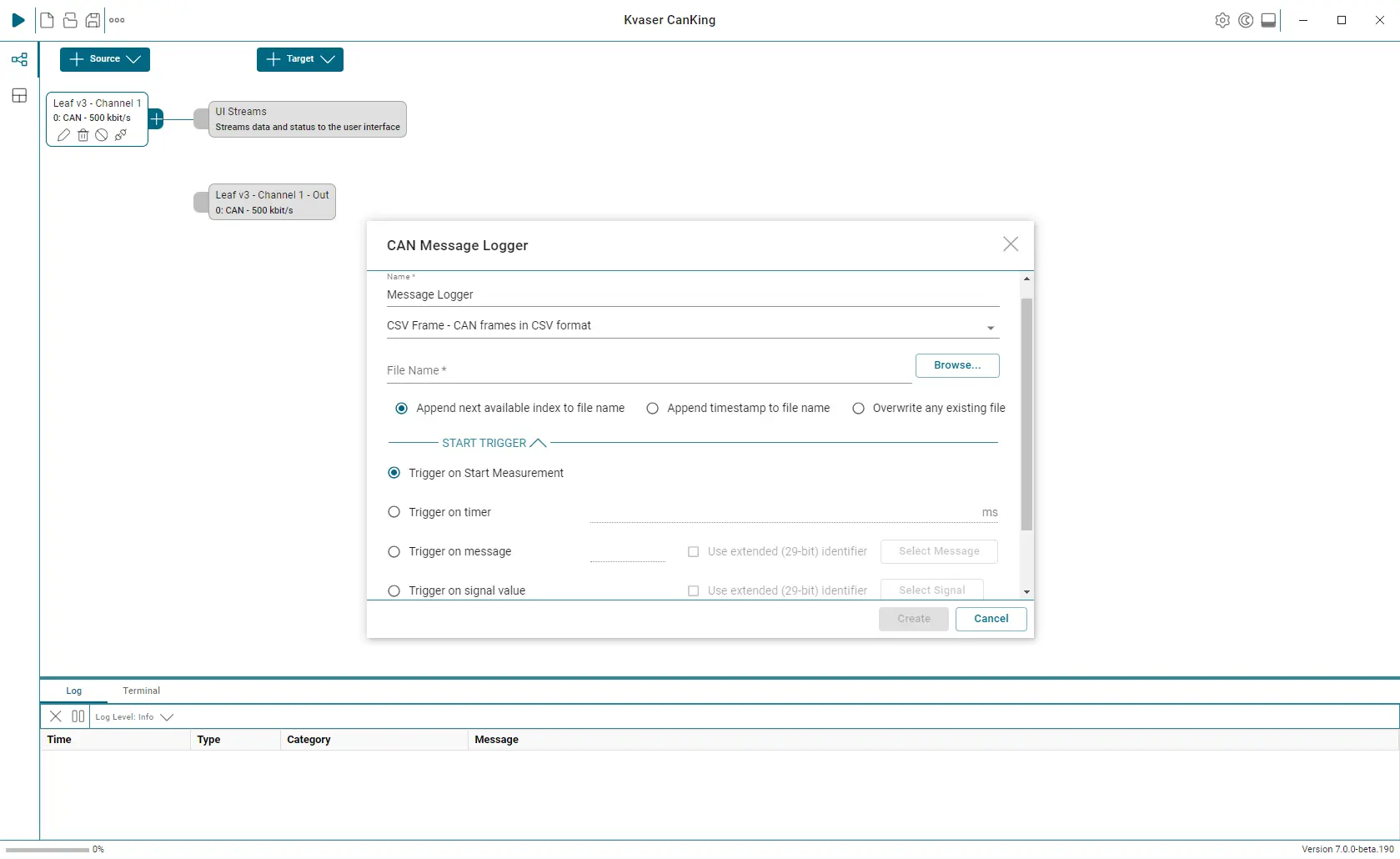
CanKing 7 Key Features
• Real-time bus monitor
• Send messages
• Generate Error Frames
• Supports CAN FD (ISO and non-ISO)
• Log to File
• Filter Messages
• DBC Support
• Dark Mode
• Command Line Interface
• Support for LIN and LDF files
• Added a J1939 protocol interpreter
• Log file replay capability
Dark Mode
CanKing now supports dark mode, featuring the ability to change between dark and light modes at any time with the press of a button.
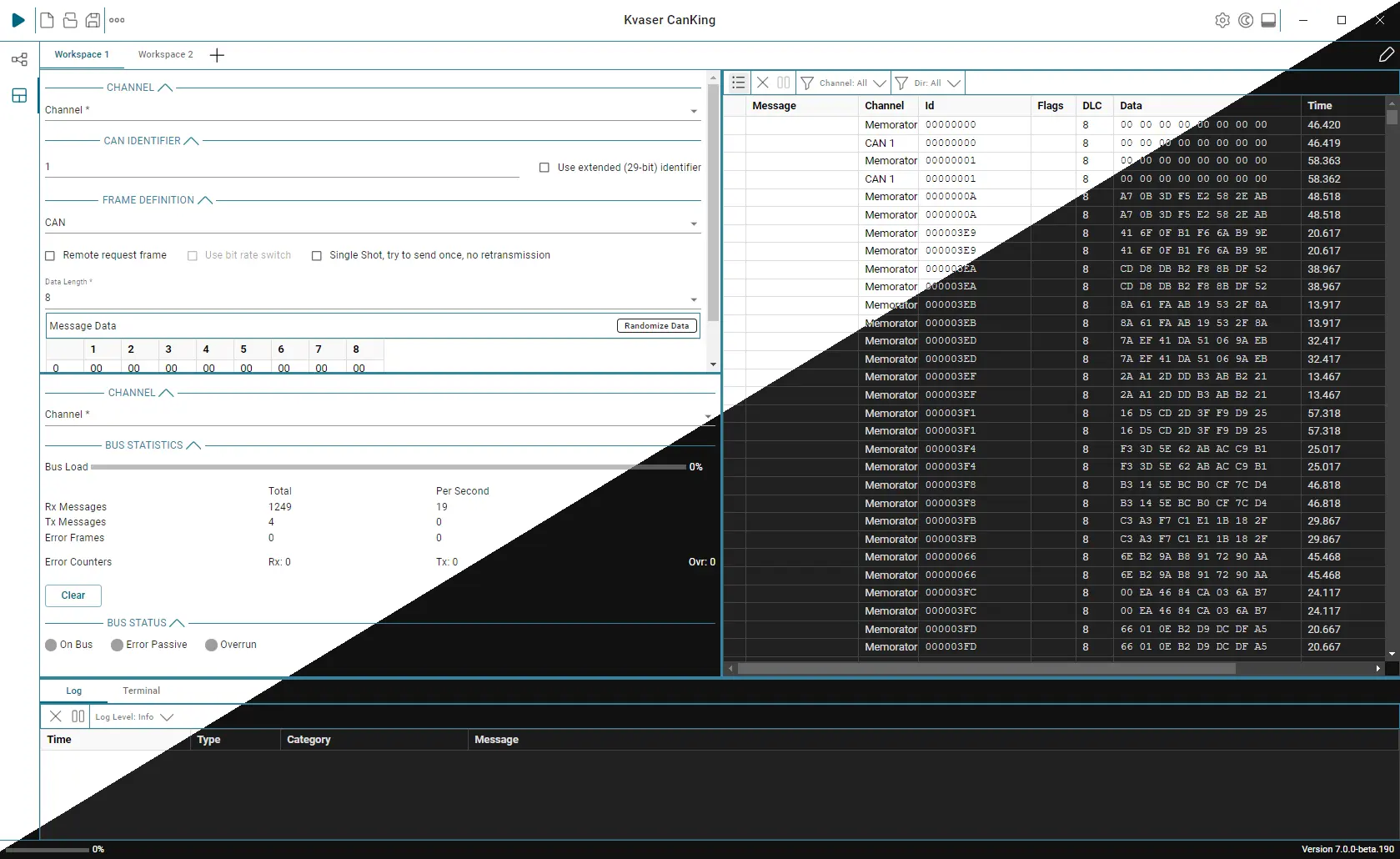
CanKing Extensions
CanKing Extensions expand the possibilities of CanKing. An extension could be a start/stop button, a special filter or interpreter. It could also be a view that displays signal values in a table, or plots them over time, or a dashboard with dials and digital displays to monitor the CAN traffic. CanKing Extensions put you in the driving seat, allowing you to add the functionality you need to CanKing, without having to write a full application.
Learn more about CanKing Extensions.
Command Line Interface
The CanKing 7 Command Line Interface (CLI) allows users to control CanKing and perform many actions directly from the terminal. The CLI controls CanKing’s background service without using the graphic user interface (GUI). There are commands for configuring the measurement setup and for starting and stopping measurements. One use case could be to start/stop a measurement when some external event happens that CanKing isn’t aware of.
E-Learning
Kvaser’s e-learning courses offer an efficient way to enhance your skills and deepen your understanding of CAN bus technology at your own pace, with the flexibility to learn anytime and anywhere. Through interactive content and practical examples, you can quickly apply your knowledge. Our latest course covers CanKing 7, a free and versatile CAN bus analysis tool. Explore its features and learn how to make the most of this powerful software, all while advancing your expertise in the field
Download CanKing 7 Datasheet
Access the CanKing 7 datasheet for key features and product insight
 Download
Related Articles


 1...2...3...